Triage feature requests with an MCP server
Connect Claude Code, Cursor, VS Code or Claude Desktop to your feedback board over MCP, then triage, reply and change statuses in bulk from a prompt.
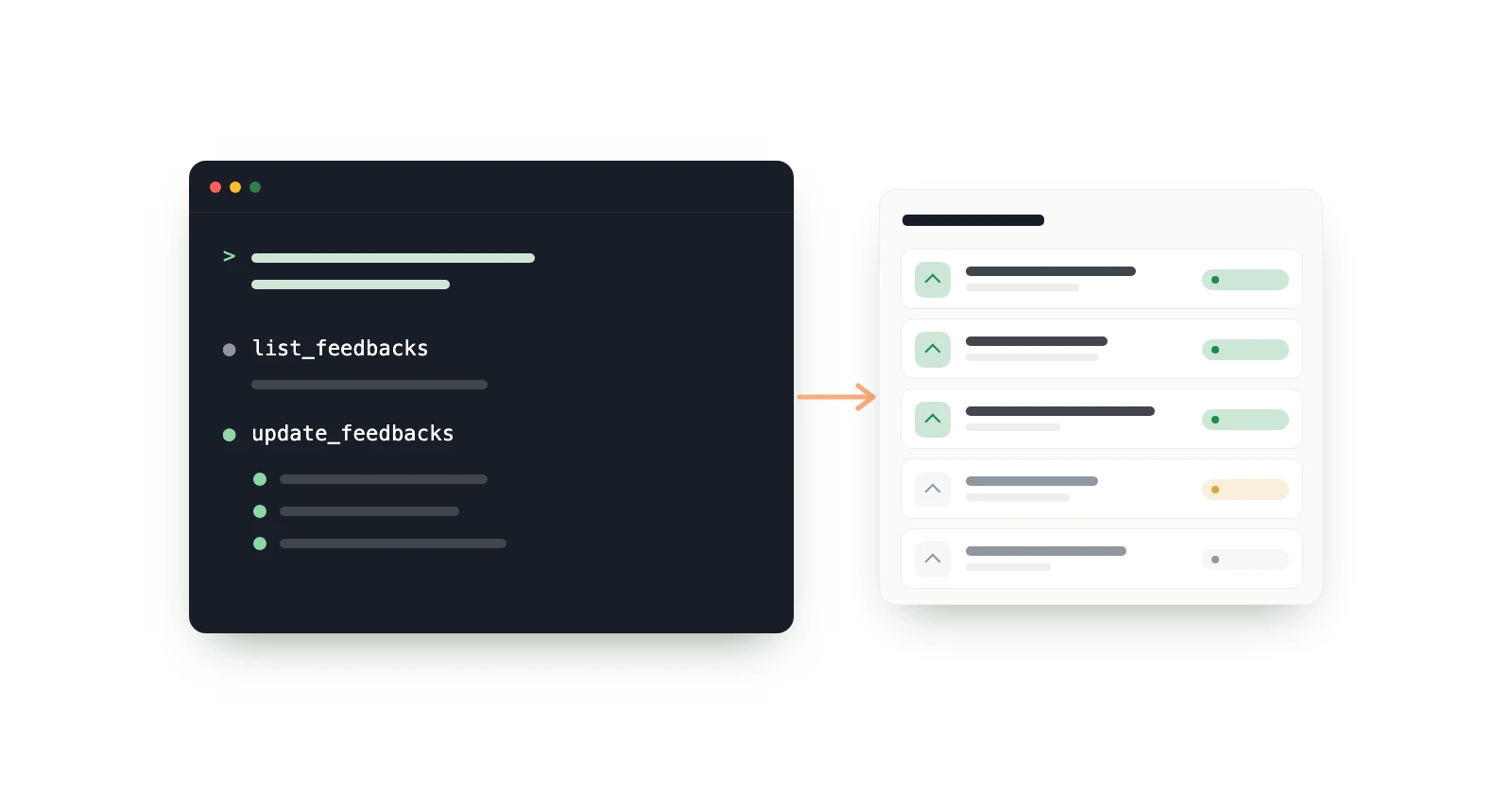
An MCP server lets an AI client such as Claude Code or Cursor work on another app's data through a fixed set of tools. fedo's MCP server, at https://mcp.getfedo.com/mcp, gives your agent 4 read tools and 6 write tools for your feedback boards: search and sort feedback, read comment threads, change statuses, reply, and delete by id, up to 50 items per call.
Triage is the part of running a feedback board that nobody looks forward to. Ten new requests are easy to sort in a dashboard. Two hundred items sitting in In Review, half of them duplicates, are an afternoon. That's the job I wanted an agent for: read everything, group it, and make the status changes I approve.
I build fedo, so the comparison section near the end is a vendor's comparison. Every competitor fact in it links to that vendor's own page, with the date I checked it.
Key takeaways#
- fedo's MCP server is at
https://mcp.getfedo.com/mcp. It speaks Streamable HTTP and takes a personal access token (fedo_pat_…) in anAuthorization: Bearerheader. It comes with the Plus and Pro plans, not with Starter. - A token is either Read or Read + write, expires after 30, 90 or 365 days, and works on every board you belong to. A Read token can't change anything.
- Each of the 6 write tools takes 1 to 50 items and returns one result per item, so "move these 40 requests to Planned" is one call, and a failed item doesn't stop the rest.
- Feedback and comments the agent creates show in your app right away, under your name with the admin badge. The delete tools take explicit ids, never a filter.
- All 9 other feedback tools I checked on 13 November 2026 run their own MCP server. fedo's can't vote or merge, which several others can, and comes only with Plus and Pro, while Canny, Frill, FeedbackJar and Productboard include theirs on every plan.
What is an MCP server?#
An MCP server is a program that exposes tools an AI model can call. The Model Context Protocol is an open standard for connecting AI applications to outside systems. The server publishes tools, each with a name, a description and a JSON input schema, and a client such as Claude Code, Cursor, VS Code or Claude Desktop lets the model call them while you chat. Tools can also carry annotations such as destructiveHint, which tell the client to ask you before running them. For a feedback board, this means the model reads your real feedback through the API instead of whatever you paste into the chat.
How do you connect fedo to Claude Code, Cursor, VS Code or Claude Desktop?#
You make a personal access token in the fedo dashboard, then add the server URL and the token to your client. You need a Plus or Pro plan. The steps below match fedo's MCP page, which also covers Codex, OpenCode, Gemini CLI and any other client that supports MCP over Streamable HTTP with a custom header.
1. Make a token#
In the dashboard, open Settings → MCP → Tokens → New token:
- Name: so you can tell your tokens apart, for example "Claude Code on my laptop".
- Access: Read sees boards, feedback and comments. Read + write can also change status, and create, edit or delete feedback and comments.
- Expires after: 30, 90 (the default) or 365 days.
The token is shown once, so copy it before you close the dialog. You can have up to 20. The dashboard's Connect a client tab shows the snippets below with the URL and your new token already filled in.
2. Add the server to your client#
Replace <your token> with yours.
Claude Code takes one command (Claude Code MCP docs). Run /mcp in Claude Code afterwards: fedo shows as connected.
claude mcp add --transport http fedo https://mcp.getfedo.com/mcp --header "Authorization: Bearer <your token>"Cursor reads ~/.cursor/mcp.json (Cursor MCP docs). Cursor's MCP settings then show fedo as connected.
{
  "mcpServers": {
    "fedo": {
      "url": "https://mcp.getfedo.com/mcp",
      "headers": { "Authorization": "Bearer <your token>" }
    }
  }
}
VS Code: run "MCP: Open User Configuration" and add the server there, so the token stays out of your repository (VS Code MCP docs). Copilot Chat in agent mode can then use fedo.
{
  "servers": {
    "fedo": {
      "type": "http",
      "url": "https://mcp.getfedo.com/mcp",
      "headers": { "Authorization": "Bearer <your token>" }
    }
  }
}
Claude Desktop: open Settings → Developer → Edit Config and add this to claude_desktop_config.json. It runs the mcp-remote bridge, so it needs Node.js. Restart Claude Desktop and fedo shows in its tools menu.
{
  "mcpServers": {
    "fedo": {
      "command": "npx",
      "args": ["-y", "mcp-remote", "https://mcp.getfedo.com/mcp", "--header", "Authorization:${FEDO_AUTH}"],
      "env": { "FEDO_AUTH": "Bearer <your token>" }
    }
  }
}
claude.ai and ChatGPT don't work yet. They connect with an OAuth sign-in, and fedo's server takes a token in a header for now. OAuth is coming.
What can an AI agent do with your feedback board?#
It can read every board you belong to and, with a token that has write access, make the changes you'd make in the dashboard. The read tools are list_boards, list_feedbacks (filter by status, search titles and bodies, sort by newest, oldest, votes or comments, up to 100 a page), get_feedbacks (full text, up to 50 by id) and list_comments (thread order, replies under their parent). The write tools create, update and delete feedback and comments, 1 to 50 items per call. The agent acts as you: an admin on each of your boards, like in the dashboard.
Five jobs it's good at, with what it calls for each:
Triage a backlog by status#
"List everything in In Review on the Android board, most-voted first, and group it into bugs, feature requests and likely duplicates. Show me ids and titles."
The agent calls list_boards, then list_feedbacks with the in_review status and the votes sort, and get_feedbacks for the full text of anything it can't judge from the 200-character preview. Nothing changes, so a Read token is enough. This is where I'd start: read the grouping, then decide what moves.
Change statuses in bulk#
"Move every In Review request about dark mode to Planned."
list_feedbacks with a search for "dark mode", then one update_feedbacks call carrying up to 50 items, each an id and the new status. update_feedbacks is marked destructive, so your client asks before it runs. The result comes back per item: if one id fails, the others still go through, and the agent can tell you which one failed and why. Statuses go over the wire as in_review, planned, in_progress, done (shown as Shipped) and closed. Needs Read + write.
Draft replies on the top-voted requests#
"Draft a short reply for each of the five most-voted Planned requests, saying it's scheduled. Show me the drafts and don't post anything yet."
list_feedbacks sorted by votes, then list_comments on each one so the reply doesn't repeat what you already said. Ask for drafts first: when you approve, create_comments posts them straight into your app, under your name with the admin badge. Needs Read + write.
Delete spam by explicit id#
"Find feedback on the iOS board that looks like spam and list the ids and titles."
Read the list yourself, then: "Delete these three: delete_feedbacks takes explicit ids and never a filter, so "delete everything in Closed" isn't something the agent can do in one call. Deleting feedback also deletes its comments and votes, and it can't be undone. Needs Read + write.
Summarize a long comment thread#
"Summarize the comments on 'Export to CSV': what do people want, and what have we promised?"
list_feedbacks with a search to find the item, then list_comments, which returns the thread in order with each reply under its parent, 100 comments per page. Read only.
Is it safe to let an AI agent change your feedback board?#
It's as safe as the token you give it and the approvals you leave on. A Read token can't change anything. A token with write access can, but your client asks before every update or delete, and deletes take explicit ids. These are the guardrails, and where they stop:
- Read tokens can't write. Every write tool refuses a Read token, so analysis-only use can't change anything.
- Writes are public. Feedback and comments created over MCP show in your users' app right away, under your name with the admin badge. Feedback the agent creates includes your vote, as its author.
- Deletes need ids.
delete_feedbacksanddelete_commentstake explicit ids, never a filter, and can't be undone. - Your client asks first. The update and delete tools are marked destructive, so clients ask before running them, and the server tells the agent to show you what will change and wait for a yes. A client set to auto-approve skips that.
- Your users' text is data. Feedback is written by your app's users and can contain text aimed at the model. The server returns it as data fields and tells the model to treat it as data, never as instructions. That reduces prompt injection; it doesn't remove it. If an agent with auto-approve on is talked into deleting ids it listed, the ids are still real. Use a Read token when you only want analysis.
- No emails. Authors come back as a name, an admin flag and an id. Email addresses and custom properties never go to the model.
- Bounded. 120 requests a minute per token. Tokens expire after 30, 90 or 365 days, and deleting one under Settings → MCP → Tokens revokes it at once.
What it can't do, whatever the token: vote, merge feedback, create or edit boards, manage board users, or act as one of your app's users.
Which feedback tools have an MCP server?#
An MCP server is now normal for feedback tools: all 9 others I checked run one. The differences are in what the agent can change, which plan you need, and how the client signs in. I checked each vendor's own docs and pricing pages on 13 November 2026.
| Tool | MCP server | What the agent can change | Plan that includes it |
|---|---|---|---|
| fedo | Hosted, token in a header (setup) | With a Read + write token: statuses, feedback, comments; deletes by id. No voting or merging | Plus and Pro |
| Canny | Hosted, OAuth (help) | Over 60 tools: ideas, comments, statuses, merges, deletes. Status changes and deletes need a Manager or Owner role | Every plan, Free included (pricing) |
| Featurebase | Hosted, OAuth (help) | Posts, comments, voters, merges, deletes, changelogs | Paid plans, not Free (pricing) |
| Frill | Hosted, OAuth or API key (help) | Ideas and their status, comments, votes, announcements, deletes | Every plan (MCP page) |
| UserVoice | Hosted on your UserVoice domain, OAuth (setup) | Ideas, statuses, voters, merges, deletes, spam | Launch, Business and Enterprise (pricing) |
| Gleap | Hosted, OAuth or API key (help) | Over 90 tools across tickets, messages and surveys; feature requests can be searched and created | Growth, Pro and Enterprise, not Hobby (pricing) |
| FeedbackJar | Hosted, API token (docs) | Posts, statuses, replies, merges, votes on a user's behalf. No delete tool (tools) | Every plan (pricing) |
| FeedbackThread | Hosted, OAuth or token (docs) | Statuses, notes, replies, App Store and Google Play review replies, releases | Reading on Free; changes need Indie |
| Upvoty | Hosted, OAuth (MCP page) | Feedback and its status, comments, votes, merges, roadmap, changelog. Feedback can't be deleted | Hyper (pricing) |
| Productboard | Hosted, OAuth, US-hosted workspaces only (docs) | Statuses, specs, comments, portal cards, objectives, features. Nothing can be deleted | Every plan (announcement) |
Three more tools on my list, Nolt, Luciq (formerly Instabug) and Shake, are left out. I couldn't read their docs and pricing pages on 13 November, so I couldn't check what their MCP servers can change or which plan includes them.
What the table says about fedo:
- It isn't on the free plan. Canny, Frill, FeedbackJar and Productboard include their servers on every plan, and FeedbackThread lets you read on its free plan. fedo's needs Plus or Pro.
- It does less. UserVoice, Featurebase, Frill, FeedbackJar and Upvoty can vote or add voters, and several can merge. fedo's can't do either.
- Sign-in is a token, not OAuth. That's why claude.ai and ChatGPT can't connect to fedo yet. Servers that sign in with OAuth, such as Canny's, UserVoice's and Upvoty's, already document setup for claude.ai or ChatGPT.
- The closest overlap is FeedbackThread and FeedbackJar. Both also ship native Android and iOS SDKs and an MCP server. If your users give feedback inside a mobile app, compare those two with fedo; the SDK comparison covers the rest. For Canny, UserVoice and Gleap beyond MCP, see fedo vs Canny, fedo vs UserVoice and fedo vs Gleap.
Who doesn't need fedo's MCP server?#
Most small boards don't. If a dozen pieces of feedback come in a week, the dashboard is quicker than writing a prompt, and you'll read each one anyway.
- You're on Starter. The free plan doesn't include the MCP server. Plus and Pro are in early access, priced by email: see pricing.
- You work in claude.ai or ChatGPT. They need OAuth, which fedo's server doesn't have yet.
- You want the agent to vote, merge duplicates or manage boards. It can't. It can find duplicates and list their ids; what you do with them is up to you.
- You don't want text posted in your app that you haven't read. Use a Read token, let the agent sort and summarize, and write the replies yourself.
- Your feedback lives somewhere else. fedo is an in-app feedback SDK for Android and iOS apps. If your users give feedback on a web board, a tool built for that, with its own MCP server, fits better.
The setup for every client is on fedo's MCP page.