In-app feedback vs support tools: which do you need?
Intercom and Zendesk answer one user in private. Feedback boards let many users vote on what you build. Here is which one your app needs.
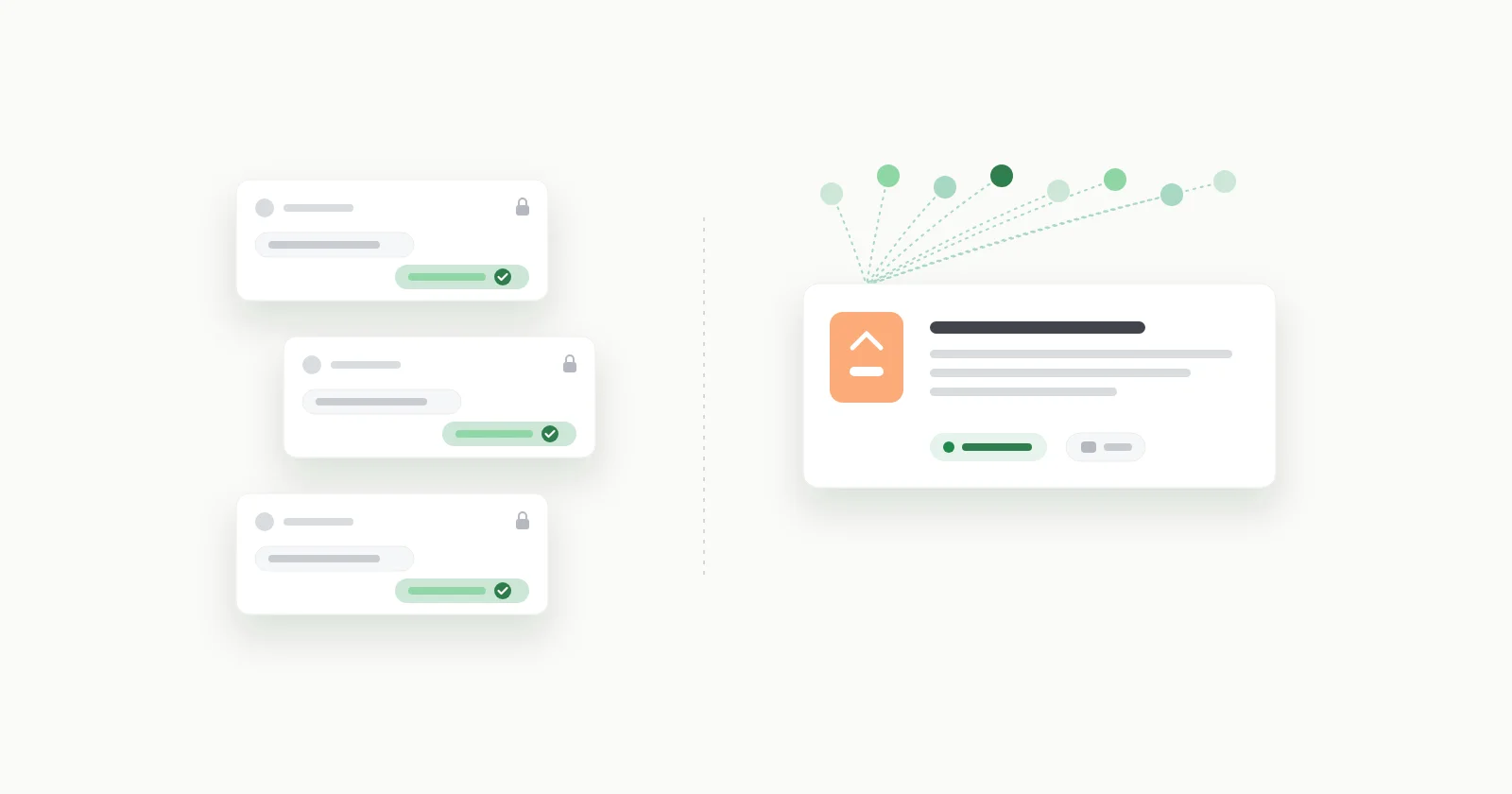
Support tools and in-app feedback tools do different jobs. A support tool like Intercom or Zendesk handles one user's problem in a private conversation that ends when that user is helped. An in-app feedback board handles requests that many users share: public, votable, and open until you ship them or say no. Bug-reporting SDKs like Luciq (formerly Instabug) are a third job again: diagnosis.
Put shortly: support tools help you answer, bug-reporting tools help you diagnose, feedback boards help you decide. Plenty of apps end up with two of the three. The expensive mistake is not picking the wrong vendor, it is using one kind of tool for another kind's job, because each one fails quietly when you do.
I build fedo, which is on the feedback-board side of that line, so weigh what follows with that in mind. Every fact about another vendor links to its own docs or pricing page, checked on 1 October 2026.
Key takeaways#
- Support tools are built around private conversations that close when one user is helped. Feature requests do not close that way, so in a support inbox they tend to get a polite reply, a tag, and a closed status.
- Zendesk and Intercom can both group duplicates, internally. Zendesk links incident tickets to one problem ticket; Intercom links conversations to a Tracker ticket, which it describes as "internal only". Neither lets users see each other's requests or add a vote.
- Bug-reporting SDKs capture what a chat cannot. Luciq's Android SDK lists session replays, console logs, network requests, crash reporting and shake-to-report.
- Support tools charge per agent seat: Intercom Essential is $29 per seat a month plus from $0.99 per Fin AI outcome, Zendesk Suite Team is $55 per agent a month, both billed yearly. Feedback boards usually charge per app or per tracked user.
- Choose by job. Users stuck on payments or accounts need a support tool. Crashes need crash reporting. A growing pile of feature requests needs a board. A small app with a few messages a week needs a
mailto:link.
What is the difference between a support tool and in-app feedback?#
The unit of work is different, and almost everything else follows from that.
In a support tool the unit is a conversation, or a ticket. One user and your team, in private, and it ends with "solved". A good support week is one where conversations closed quickly. In a feedback board the unit is a request. One user writes it, every user can see it, many vote on it, and it stays open until it ships or you decline it. A good month is one where you built the thing most people were waiting for.
| Support tool | Bug-reporting SDK | Feedback board | |
|---|---|---|---|
| Examples | Intercom, Zendesk | Luciq (ex-Instabug) | fedo, Canny |
| The unit | A ticket | A diagnostic report | A request |
| Who sees it | One user + you | Your team | Every user |
| Done when | That user is helped | The bug is fixed | It ships, or you say no |
| Same issue again | New ticket | New report | A vote on the old one |
The last two rows explain most of what goes wrong when one tool is made to do another's job.
What happens to feature requests in a support inbox?#
Picture the normal version. A user opens the chat in your app and writes, "any chance of a home screen widget?" Whoever answers support - in a small app, that is you - replies "great idea, I've passed it on to the team" and closes the conversation. That is a correct support move. The user got a fast, friendly answer, and the conversation is resolved.
The request, though, is now sitting in a closed conversation. A week later someone else asks. Same reply, also closed. After three months a widget has been asked for twenty-odd times, and the only record of that is a tag count, if someone remembered to tag. None of those users know they are one of twenty. None of them hear back when the widget ships, unless someone goes and digs the conversations up.
To be fair to the support tools, both have a real answer for the counting part:
- Zendesk has problem and incident tickets, meant for when "a problem or service interruption is reported by more than one person". You link each duplicate to one problem ticket, and solving the problem sets every linked incident to solved and copies your comment into each one. One catch for mobile apps: the same page says "Customers are not notified using the messaging channel," and messaging is what Zendesk's Android SDK (
com.zendesk:messaging) is built on. - Intercom has Tracker tickets, which it explicitly suggests for "bugs, service interruptions, and feature requests". You link every related conversation to the tracker, a state change on the tracker cross-posts into all of them, and you can broadcast one reply to everyone affected. That is a good way to close the loop, and if you already live in Intercom it is worth setting up.
What neither does is let users see the list. Intercom's own page says Tracker tickets "are internal only and cannot be shared with customers," and Zendesk's incident links are internal too. Someone on your team has to read each message, recognise it as a duplicate, and link it by hand. The user writing in cannot see that the request already exists, cannot add their weight with a single tap instead of a whole message, and cannot watch it move. The counting happens, but only as fast as your team does the linking, and only among users who were motivated enough to write in. Why that last part matters so much is the argument in in-app feedback vs a feedback portal.
Can Intercom or Zendesk do feature voting?#
Not inside a mobile app, as far as their own docs show.
Intercom's iOS Messenger has four spaces: Home, Help Center, Messages and Tickets. None of them is a voting board, and I found no voting component in its mobile SDK docs, so voting next to Intercom means a second tool.
Zendesk does have voting, in its community forums: users post, vote, and sort posts by votes, as its help center guide for end users describes. Two limits matter for an app. The community is part of Zendesk's web help center, and Zendesk states plainly that "Anonymous voting is not available for community posts". If your app has no accounts, nobody votes. And on Zendesk's pricing page, the community forum features are listed only on Suite Professional among the self-serve plans, at $115 per agent a month billed yearly.
What happens when support requests land on a feedback board?#
The reverse mistake is just as real, and it is the one I would make if I were not careful, because a feedback board is the thing I build.
Some messages must never be public. "I was charged twice." "Delete my account." "I can't log in and my data is gone." A user who posts those on a public board is telling you they could not find another way to reach you. They need a private reply, quickly, from a person, and a request with a vote count is the wrong shape for that.
Bugs are a quieter version of the same problem. A board post that says "crashes when I open settings" with no device, OS version, or log attached is hard to act on, and the votes on it measure how many people were annoyed enough to find the board, not how many people crashed. Counting crashes is what crash reporting is for, and Firebase Crashlytics does it at no cost.
So, for clarity about my own product: fedo is a feedback board, not a support tool. It has no private messaging, no file attachments, no screenshots, logs or session replays, and no AI agent. Comments on a request are visible to other users of the app. If a user needs a private answer about their account, fedo is the wrong channel, and you should put a support link right next to it.
Where do bug-reporting SDKs like Luciq fit?#
Instabug is now Luciq. The archived Instabug Android repository says the SDK "has been rebranded from Instabug to Luciq", and the Luciq Android SDK calls itself "the Agentic Observability Platform for Mobile": session replays, console logs, network requests, crash reporting, and feedback sent by shaking the device.
That is diagnosis: what actually happened on the device when something broke. A support chat gets you the user's description of it. A voting board gets you a count of people who noticed. Neither gets you the network request that failed.
The categories do blur at the edges. The old Instabug README also listed in-app chat, and Gleap bundles support chat, bug reports and a roadmap into one SDK. Luciq's own website did not load when I checked, on 1 October or on 29 September, so there is no Luciq price in this post rather than a guessed one.
How does pricing compare?#
Support tools charge per person answering. Feedback tools charge per app or per tracked user. That difference in shape matters more than any single number.
- Intercom pricing: Essential $29, Advanced $85, Expert $132 per seat a month billed annually, and the Fin AI agent from $0.99 per Fin outcome on top, on every plan.
- Zendesk pricing: Support Team $19, Suite Team $55, Suite Professional $115 per agent a month billed yearly. Paid monthly, Suite Team is $69.
- Feedback boards: Canny is free for 25 tracked users and Pro starts at $79 a month billed yearly; FeedbackJar starts at $9 a month; fedo's Starter plan is free for one app with unlimited users. The full table is in in-app feedback SDKs compared.
A seat-priced tool gets more expensive as your team grows and does not care how many users you have. That fits support, where the cost really is people answering messages. It is a strange fit for feature requests, where the work is reading a ranked list once a week, not staffing an inbox. Two seats on Intercom Essential cost $58 a month before any AI usage, which is fine for support and a lot for a list of ideas.
Which one does your app need?#
Start from the job, not from the feature lists.
- A few messages a week, one developer. A "Send feedback" button that opens a
mailto:link with the app version filled in. Free, ten minutes, no dependency. I made the full case for this in build or buy in-app feedback. - Users get stuck on things only you can fix: payments, accounts, lost data. A support tool. Private threads, a reply channel, and history per user. Intercom if you want chat and an AI agent in front of it; Zendesk if you want ticketing that grows into a team. That split is my judgement, not a benchmark.
- Crashes and bugs you cannot reproduce. Crash reporting first. A bug-reporting SDK like Luciq when you need session replays and network logs to make sense of what users report.
- Lots of feature requests, and you are guessing at priority. An in-app feedback board. If your app has no accounts, check that the tool lets users vote without signing in - several only allow it with SSO or after a setting is switched on.
- More than one of these. Use them together and route between them, which is less work than it sounds.
Replace "I've passed it on to the team" with a link. That one sentence is where most feature requests go to die in a support inbox. Pointing the user at the request on your board turns a closed ticket into a vote they can follow, and the next person who asks finds it already there.
The routing works the other way too. When someone posts a billing problem on your board, answer it once with where to get help privately, then close it, so it does not sit at the top of the list collecting confused votes.
What does fedo not do?#
fedo is the board, and only the board. Besides not being a support tool:
- It is in early access, and I have no customer numbers to show you.
- The Android SDK is native Jetpack Compose; the iOS SDK is native SwiftUI but still a beta (0.4.0-beta.1).
- There is no Flutter or React Native SDK.
- There is no offline support or retry; a failed call has to be made again.
If you can only have one tool and the job is support, buy the support tool. If the job is finding out what to build next, a board is the better fit, and the Android and iOS guides show what the integration involves. If something above about another vendor is out of date, email hello@getfedo.com and I will fix it.