Add in-app feedback to an Android app in two calls
One Gradle line, one initialize call, one composable. What each step actually does, and the three places integrations usually go wrong.
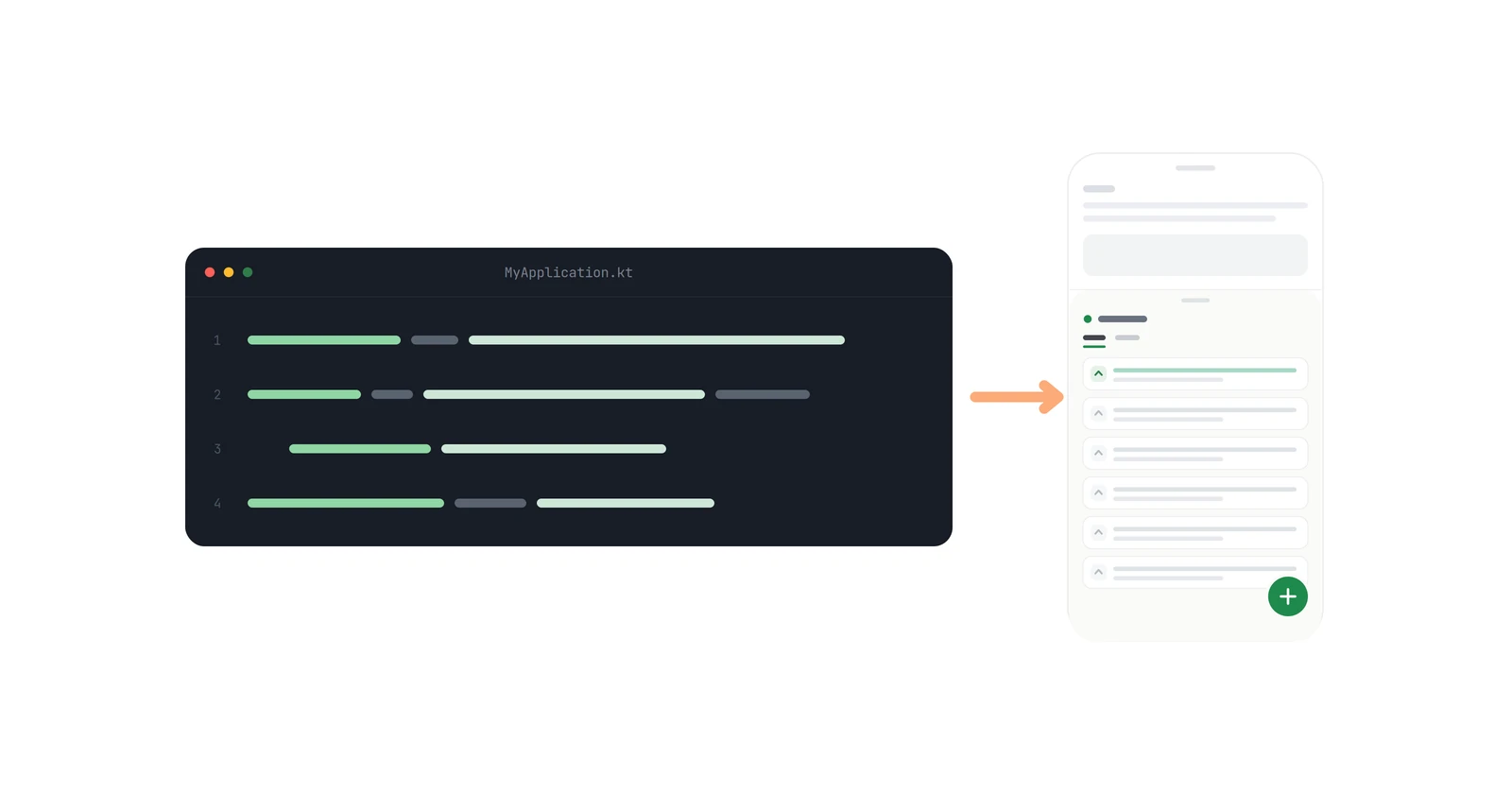
Adding a feedback board to an Android app takes one dependency and two SDK calls. The composable renders the whole thing - list, details, editor, voting, comments — inside your own navigation, and there is no backend to run.
As of the 0.4.2 SDK (October 2026), the complete integration is this:
Fedo.initialize(applicationContext, apiKey = "your-api-key-here")FedoFeedbackScreen(
onDismiss = { navController.popBackStack() }
)Everything below is detail on those two blocks, plus the optional user identity calls and the three mistakes that actually cost people an afternoon.
Key takeaways#
- The dependency is
com.getfedo:sdk-android:0.4.2on Maven Central. Fedo.initializemust run before any other SDK method - the SDK is a singleton and every other call reads state it sets up.FedoFeedbackScreen()is a@Composable, not a launcher function. It renders in place, inside your Compose hierarchy, and manages its own internal navigation across three screens.onDismissfires only when the user presses back on the root list screen. Wire it to your own back-stack pop or the back button looks broken.- If you never call
setUserID, the SDK creates a cached anonymous user and everything still works.
1. How do you add the dependency?#
dependencies {
implementation("com.getfedo:sdk-android:0.4.2")
}The SDK follows semantic versioning, and the Android changelog lists what changed in each release. Initial release was 0.1.4 in July 2026; 0.3.0 landed on 11 August 2026. 0.4.1, released in September 2026, renamed the public API - FeedbacksScreen is now FedoFeedbackScreen - so update call sites when you upgrade. 0.4.2 stopped pulling in appcompat, material, compose-shimmer and components-resources, so if your app used any of them without declaring them, add them to your own build.gradle.
2. When and where do you initialize the SDK?#
import android.app.Application
import com.fedo.sdk.Fedo
class MyApplication : Application() {
override fun onCreate() {
super.onCreate()
Fedo.initialize(applicationContext, apiKey = "your-api-key-here")
}
}Application.onCreate() is the natural home. Your launcher Activity works too, as long as it runs before anything touches the SDK. Calling initialize a second time logs a warning and does nothing. The SDK stores its credentials outside Android Auto Backup, so you do not need to add backup rules.
This is the first mistake. Fedo.initialize must be called before any other SDK method. Calling setUserID from a repository that happens to construct earlier than your Application subclass - or from a DI graph that eagerly instantiates — puts the call ahead of initialization. Initialize first, then everything else.
If you need to change SDK behaviour, pass a config block:
Fedo.initialize(applicationContext, apiKey = "your-api-key") {
timeoutInMillis = 15_000
debug = true
}The third parameter is an optional trailing lambda, named config, that sets the two options. timeoutInMillis defaults to 10_000 and caps every SDK request. debug defaults to false; turning it on writes verbose logging to logcat tagged Fedo, which you can filter with adb logcat -s Fedo and is the fastest way to see whether a failing call is yours or the SDK's. See the configuration page.
3. How do you tell the SDK who the user is?#
All four identity methods are optional, and all of them must come after initialize:
Fedo.setUserID("user-abc-123")
Fedo.setUserDisplayName("Jane Doe")
Fedo.setUserEmail("jane@example.com")
Fedo.setUserProperty("plan", "enterprise")setUserID is the one that matters. Call it when you actually know who the user is - at registration and at login. Calling it again with the same ID is a no-op, so you can call it on every app start without guarding.
This is the second mistake. Do not call setUserID for anonymous visitors. If you skip it entirely, the SDK creates its own anonymous user with a random ID and caches it, so the same person keeps the same identity across sessions. Inventing your own placeholder ID for signed-out users defeats that and produces a new "user" every time your placeholder changes.
setUserProperty attaches arbitrary key-value metadata - plan tier, team, beta cohort. Reapplying a key overwrites it:
Fedo.setUserProperty("tier", "gold")
Fedo.setUserProperty("tier", "silver") // overrides the line beforeYou do not need to attach device metadata yourself. The SDK collects it during initialization and refreshes it each session: platform, manufacturer, brand, model, device name, OS version, fedo SDK version, locale, time zone, and app version name and code. They arrive as properties prefixed with an underscore (_model, _osVersion, _appVersionName) and cannot be disabled. Full table in the user management docs.
There is a logout() too. It clears the cached token, ID, name, email, and properties, then immediately creates a fresh anonymous user. On an already-anonymous user it does nothing.
4. How do you show the feedback screen?#
import androidx.compose.runtime.Composable
import com.fedo.sdk.ui.FeedbackScreen
@Composable
fun FeedbackRoute(navController: NavController) {
FedoFeedbackScreen(
    onDismiss = { navController.popBackStack() }
)
}It takes an optional modifier and one required callback, onDismiss.
What you get for that is a complete board with its own internal navigation across three screens. The list has All and Mine tabs, pull-to-refresh, vote buttons per item, and a FAB to create feedback. The details screen has the full description, threaded comments, voting, replies, and edit or delete of the user's own feedback when its status allows it. The editor creates and edits, pre-populating fields and validating before submit. Loading, error, and empty states are handled internally - there is no extra UI to build.
This is the third mistake. Back navigation inside the composable is automatic: editor returns to details or list, details returns to list. onDismiss fires only when the user presses back on the root list screen. If you leave it empty, the board traps the user on its first screen and the back button reads as broken. Pop your own stack there.
To adjust the chrome, pass slots to change the app bar's back button - null removes it, which is what you want when the board is a tab rather than a pushed screen:
FedoFeedbackScreen(
    slots = FedoFeedbackScreenDefaults.slots().copy(backButtonIcon = null),
    onDismiss = { navController.popBackStack() }
)
style sets the background through containerColor. More slots are planned. The current set is on the UI configuration page.
What the SDK does not do yet#
Worth knowing before you ship rather than after:
- No retry, no offline support. The identity methods run through an internal serial queue, so you can call them synchronously and in any order without racing. But a failed call is skipped, not retried, and the queue moves on. If
setUserIDfails, you call it again. Offline support is planned, not present. - Android and iOS. There is no Flutter SDK. The dashboard is shared, so nothing you configure now is Android-specific.
- Anonymous-to-authenticated migration is one-way. Covered in how anonymous feedback migrates to a real account - the short version is that calling
setUserIDon an anonymous user moves their feedback, comments, and votes onto the authenticated account and then deletes the anonymous one.
The whole thing#
// 1. build.gradle.kts
implementation("com.getfedo:sdk-android:0.4.2")

// 2. Application.onCreate -- before any other SDK call
Fedo.initialize(applicationContext, apiKey = "your-api-key-here")

// 3. after login (optional)
Fedo.setUserID(user.id)
Fedo.setUserEmail(user.email)

// 4. anywhere in your Compose tree
FedoFeedbackScreen(onDismiss = { navController.popBackStack() })
Two calls, plus the line in your build file. The getting started guide has the same material in reference form, and the example app is a running version of it.