Add in-app feedback to an iOS app in two calls
One Swift package, one initialize call, one SwiftUI view, and the three places iOS integrations go wrong.
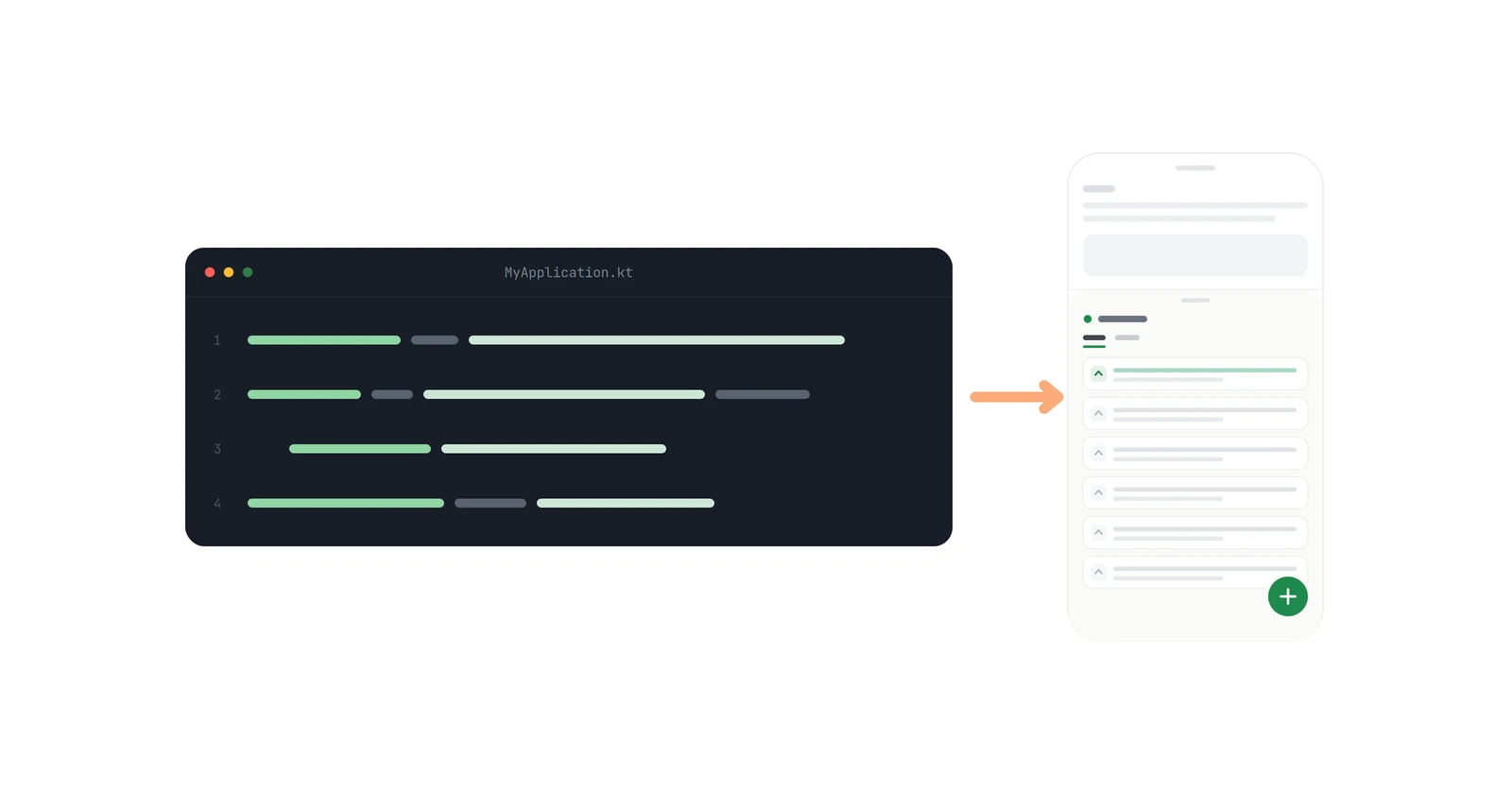
Adding a feedback board to an iOS app takes one Swift package and two SDK calls. The view renders the whole thing — list, details, editor, voting, comments — inside your own NavigationStack, and there is no backend to run.
As of 0.5.0 (October 2026), the complete integration is this:
Fedo.initialize(apiKey: "your-api-key-here")NavigationLink("Feedback") {
FedoFeedbackView()
}Everything below is detail on those two blocks, plus the optional identity calls and the three mistakes that actually cost people an afternoon. The first one only applies if you integrated during the beta, and it fails silently.
Key takeaways#
- The package is
https://github.com/getfedo/fedo-ios, and the default Up to Next Major rule from0.5.0is the right one. If your project still pins the beta's Exact Version, change it: the pin keeps you on the pre-release forever. - 0.4.0, released on 17 October 2026, was the first stable iOS release; 0.5.0 followed on 25 October 2026 with threaded comment replies. Stable releases started at 0.4 rather than 0.1 because the minor version is shared with the Android SDK (0.5.0 on Maven Central): same number, same feature set.
- Requires iOS 17+, Swift 6, and Xcode 26+. The module you import is
FedoKit; the entry point isFedo. Fedo.initializemust run before any other SDK method — every other call reads state it sets up.FedoFeedbackViewis a plain SwiftUIView, not a presenter. It needs aNavigationStackabove it, and when you show it in a.sheetyou have to supply that stack yourself.- If you never call
setUserID, the SDK creates a cached anonymous user and everything still works.
1. How do you add the Swift package?#
In Xcode: File → Add Package Dependencies, paste https://github.com/getfedo/fedo-ios, and keep the default dependency rule, Up to Next Major Version from 0.5.0.
Or in Package.swift:
.package(url: "https://github.com/getfedo/fedo-ios", from: "0.5.0")This is the first mistake. It only bites projects that integrated during the beta. Those had to pin Exact Version 0.4.0-beta.3, because SwiftPM leaves pre-releases out of range-based rules. Semver ranks 0.4.0-beta.3 below 0.4.0, so that pin keeps resolving to the beta and Xcode never offers the stable release or anything after it. Open the package under Project → Package Dependencies, switch the rule to Up to Next Major Version from 0.5.0, and the next package update picks up the stable build. See Apple's notes on adding package dependencies.
With a range rule, File → Packages → Update to Latest Package Versions picks up 0.4.x patches; the iOS changelog says what each one changed.
2. When and where do you initialize the SDK?#
import SwiftUI
import FedoKit
@main
struct MyApp: App {
init() {
Fedo.initialize(apiKey: "your-api-key-here")
}
var body: some Scene {
WindowGroup { ContentView() }
}
}The App initializer is the natural home: it runs once, before any scene is built, which is exactly the ordering the SDK wants. A UIApplicationDelegate's application(_:didFinishLaunchingWithOptions:) works the same way if you still have one.
This is the second mistake. Fedo.initialize must be called before any other SDK method. It is easier to get wrong in SwiftUI than it looks, because a @StateObject on your root view, or a dependency container built as a property wrapper, can construct before you think it does. Initialize in App.init(), then everything else.
The API key identifies your board. Ship a different key to point the same build at a different board — that is how you keep a staging board separate from production.
To change SDK behaviour, pass a config:
Fedo.initialize(
apiKey: "your-api-key",
config: FedoConfig(
networkTimeout: 15,
logHandler: { entry in print("[Fedo] \(entry.level) \(entry.message)") }
)
)config is optional and defaults to FedoConfig.default; config: .init(...) is the usual shorthand. networkTimeout is in seconds, defaults to 10, and caps every SDK request. logHandler defaults to nil, which keeps the SDK silent; pass a closure to receive every FedoLogEntry and print or forward it. It is the fastest way to see whether a failing call is yours or the SDK's. 0.5.0 removed the old logLevel option, so 0.4 code that passes it no longer compiles.
Configuration is read once, at initialization, and stays fixed for the process. If you want it to vary, compute the value at startup from a build configuration or a remote flag and pass the result in — do not re-initialize. Full table on the configuration page.
3. How do you tell the SDK who the user is?#
All of the identity methods are optional, and all of them must come after initialize:
Fedo.setUserID("user-abc-123")
Fedo.setUserDisplayName("Jane Doe")
Fedo.setUserEmail("jane@example.com")
Fedo.setUserProperty("plan", value: "enterprise")setUserID is the one that matters. Call it when you actually know who the user is — at registration and at login.
Do not call setUserID for anonymous visitors. If you skip it entirely, the SDK creates its own anonymous user with a random ID and persists it, so the same person keeps the same identity across sessions. Inventing a placeholder ID for signed-out users defeats that and produces a new "user" every time your placeholder changes.
setUserProperty(_:value:) attaches arbitrary key-value metadata — plan tier, team, beta cohort. Note the external label on the second parameter; the Android signature is positional and the Swift one is not:
Fedo.setUserProperty("tier", value: "gold")
Fedo.setUserProperty("tier", value: "silver") // overrides the line beforeYou do not need to attach device metadata yourself. The SDK collects it during initialization and refreshes it each session: _platform, _manufacturer, _model, _device, _osVersion, _sdkVersion, _locale, _timeZone, _appVersionName, and _appBuild. They arrive as properties prefixed with an underscore and cannot be disabled. Full table in the user management docs.
There is a Fedo.logout() too. It clears the cached session and identity, then creates a fresh anonymous user. Session tokens live in the keychain and are refreshed by the SDK, so there is nothing for you to store or rotate.
4. How do you show the feedback board?#
import SwiftUI
import FedoKit
struct SettingsView: View {
var body: some View {
NavigationStack {
List {
NavigationLink("Feedback") {
    FedoFeedbackView()
}
}
}
}
}What you get is a complete board with its own internal navigation. The list shows feedback with voting and a way in to create more. The details screen has the full description, threaded comments, voting, replies, and edit or delete of the user's own feedback when its status allows it. The editor creates and edits, pre-populating fields and validating before submit. Loading, error, and empty states are handled internally — there is no extra UI to build.
This is the third mistake. FedoFeedbackView is a View, not a presenter, and it pushes its own detail and editor screens. Dropped into a hierarchy with no NavigationStack above it, the pushes go nowhere and the board looks frozen on its first screen. A NavigationLink from an existing stack is fine. A sheet is not, unless you add the stack:
.sheet(isPresented: $showFeedback) {
    NavigationStack {
        FedoFeedbackView()
    }
}
There is no onDismiss parameter here, which is the visible difference from the Android composable — on iOS the surrounding NavigationStack or sheet owns dismissal, so the system back button and the sheet's own swipe-down already do the right thing.
The submit-only sheet#
If you do not want a whole board — a bug report field buried in settings, say — there is a view modifier that presents just the create form:
Button("Send feedback") { showFeedbackSheet = true }
    .presentFedoCreateFeedback(isPresented: $showFeedbackSheet)
No navigation setup required for this one. It is title and description, submitted straight to your board, and it is the right choice when you want reports in and do not want users browsing each other's requests yet.
What the SDK does not do yet#
Worth knowing before you ship rather than after:
- No UI configuration on iOS.
FedoFeedbackViewand.presentFedoCreateFeedbackfollow the SDK's own styling and the system navigation bar. The slot and style APIs described on the UI configuration page are Android-only today. - No retry, no offline support. A failed call is skipped, not retried. If
setUserIDfails, you call it again. Offline support is planned, not present. - Android and iOS. There is no Flutter SDK. The dashboard is shared, so nothing you configure now is iOS-specific.
- Anonymous-to-authenticated migration is one-way. Covered in how anonymous feedback migrates to a real account — the short version is that calling
setUserIDon an anonymous user moves their feedback, comments, and votes onto the authenticated account and then deletes the anonymous one.
The whole thing#
// 1. Package.swift
.package(url: "https://github.com/getfedo/fedo-ios", from: "0.5.0")

// 2. App.init -- before any other SDK call
Fedo.initialize(apiKey: "your-api-key-here")

// 3. after login (optional)
Fedo.setUserID(user.id)
Fedo.setUserEmail(user.email)

// 4. anywhere inside a NavigationStack
NavigationLink("Feedback") { FedoFeedbackView() }
Two calls, plus the package. The getting started guide has the same material in reference form, the example app is a running version of it, and the Android walkthrough is the same post for the other platform.