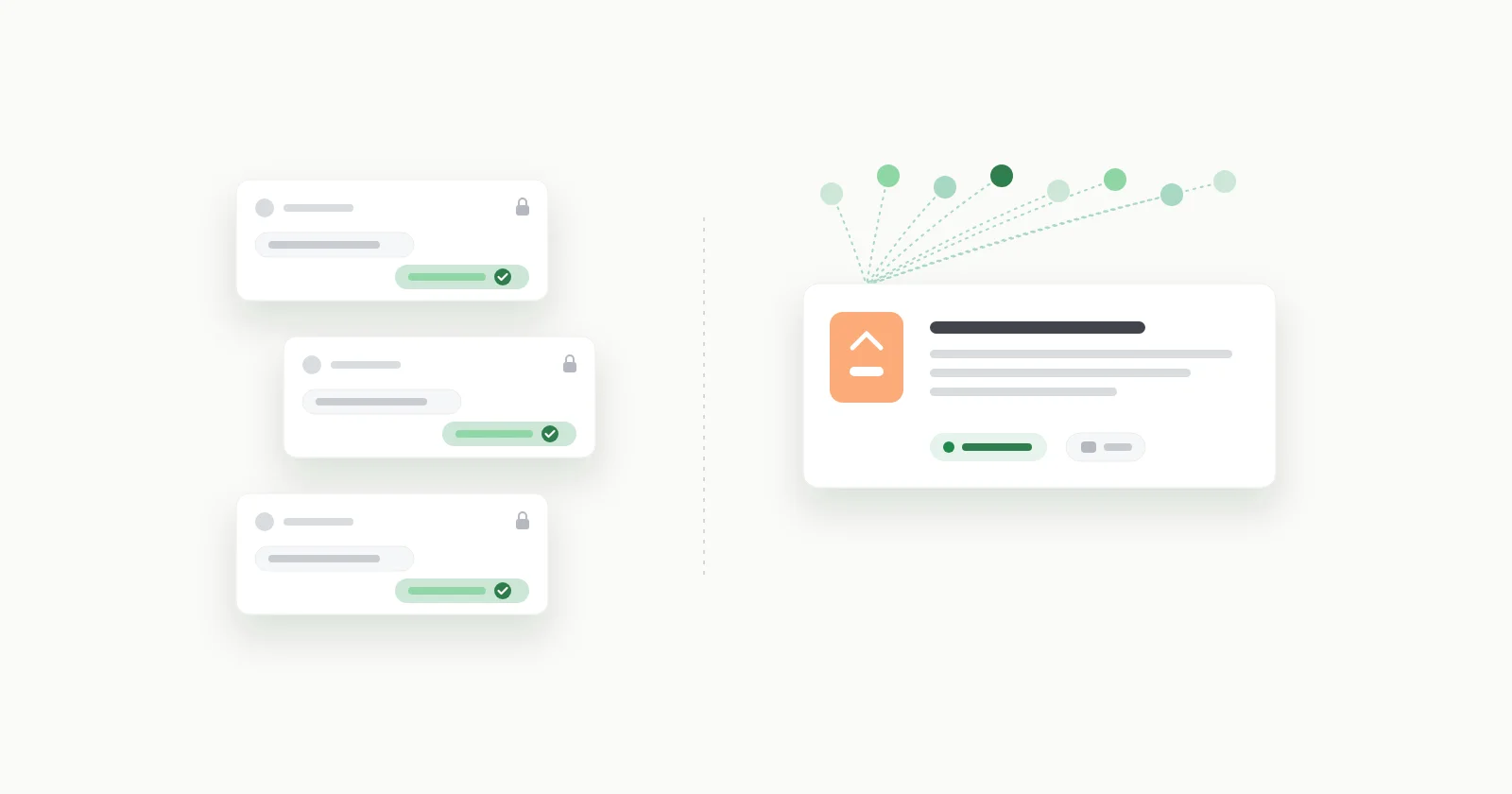
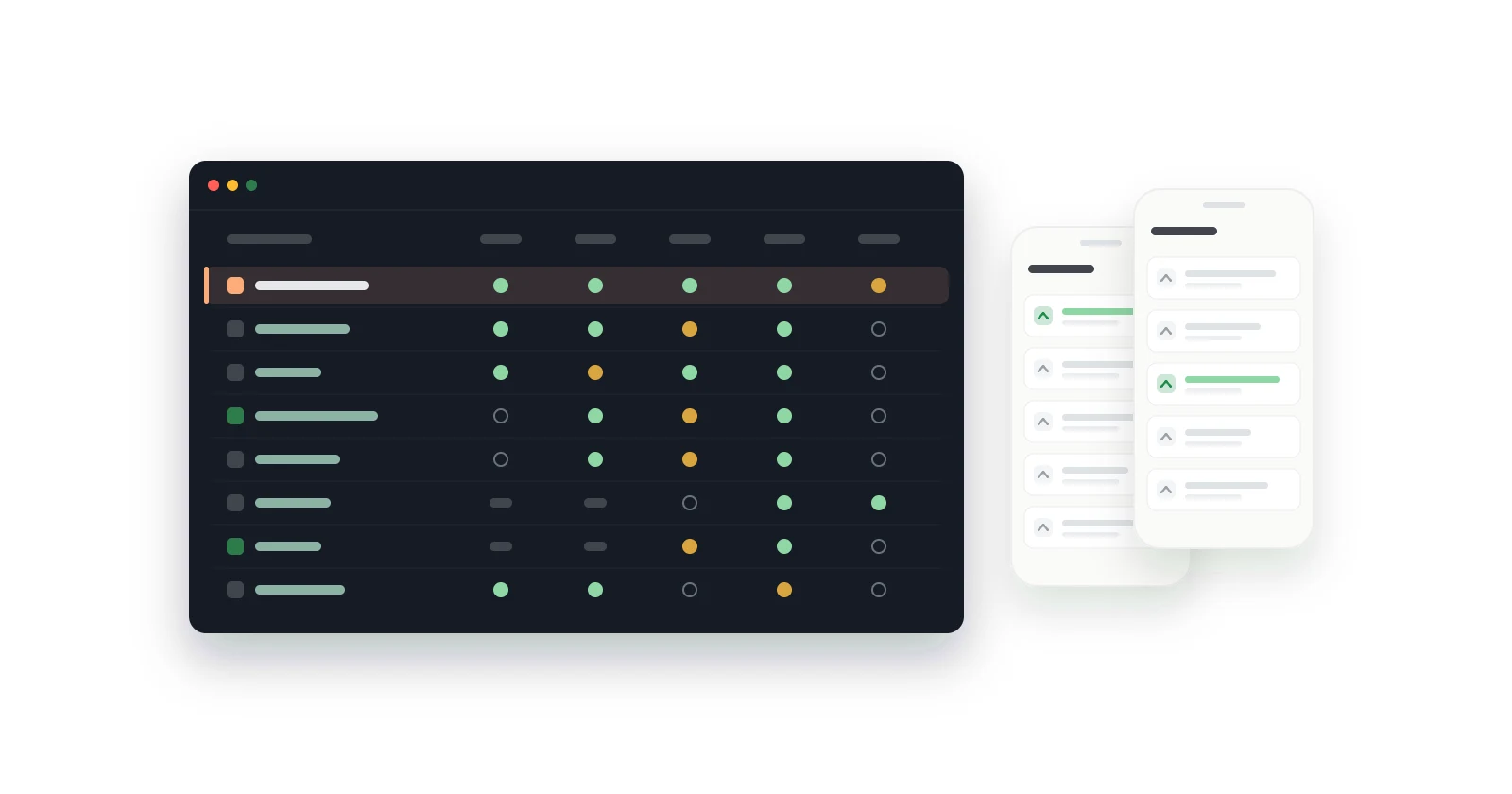
Native feedback screens vs WebView: what users see
A WebView feedback widget is a web page inside your app. What that changes for users: dark mode, text size, the back gesture, offline, and crashes.
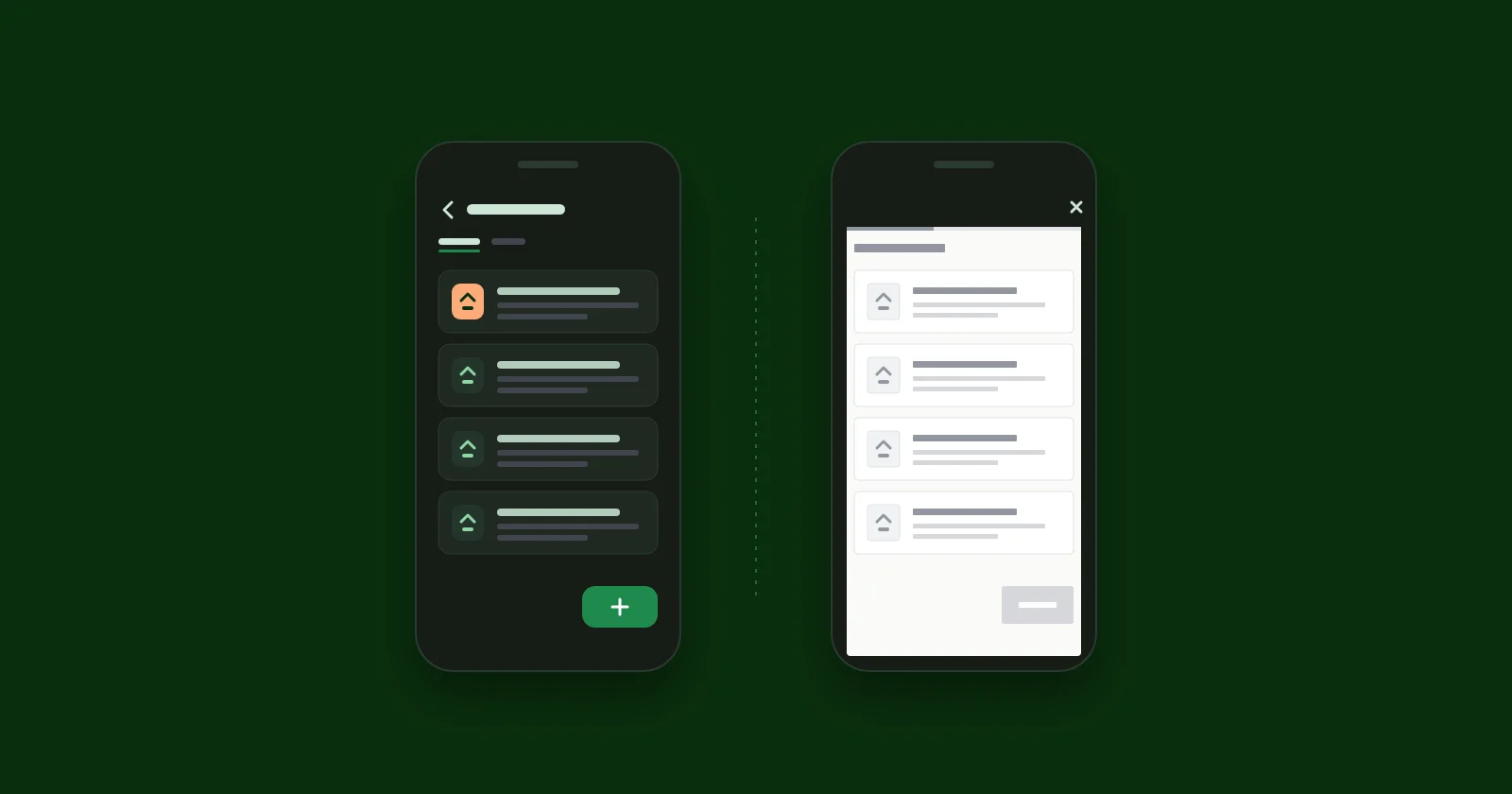
A native feedback screen is drawn with the platform's own UI toolkit - Jetpack Compose on Android, SwiftUI on iOS - so it picks up your app's theme, the user's text size, dark mode and the back gesture without anyone writing code for them. A WebView feedback screen is a web page inside your app. It can match all of that, but only where the SDK author has rebuilt each behaviour by hand, and if it loads a remote page it has nothing to show until that page arrives.
Users never think "this is a WebView". They notice that the feedback screen is the one screen in your app that ignores dark mode, or that its text is smaller than everywhere else, or that the back gesture closed the whole thing instead of going back to the list. Each of those is small. My bet - a judgement, not a measured result - is that together they make the screen feel like someone else's, and people are less willing to write into a screen that feels like someone else's.
fedo's SDKs are native, so I have an obvious side here. WebView is a reasonable choice, and the reasons vendors make it are in this post too.
Key takeaways#
- A WebView renders the vendor's HTML and CSS, so your app's colours, fonts and components only appear if the vendor built a web theme to match them.
- On Android, a WebView follows your app's dark theme only if the page implements
prefers-color-scheme, or the app allows algorithmic darkening; otherwise the page keeps its own styling. - On iOS, WebKit content follows Dynamic Type only if its CSS opts in with system font styles such as
-apple-system-body. SwiftUI text styles scale automatically. - Android's WebView does not walk back through page history on Back by default, and
WKWebView's swipe-back gesture is off by default. Each SDK has to wire these up itself. - If a WebView's renderer process crashes and the app does not handle
onRenderProcessGone, Android crashes the app. WebView's real advantage is reach: one web UI for Android, iOS, Flutter and React Native, updated without an app release.
What is the difference between a native screen and a WebView?#
A native screen is made of the same building blocks as the rest of your app. On Android that means composables reading MaterialTheme; on iOS, SwiftUI views reading the environment. When the user switches to dark mode or bumps up their font size, the feedback screen changes along with everything else, because it is the same kind of thing as everything else.
A WebView is a browser engine embedded in a view: android.webkit.WebView on Android, WKWebView on iOS. The SDK points it at HTML, usually on the vendor's server, and the vendor's CSS decides how it looks.
Both approaches ship as an "SDK", which is why the difference is easy to miss. Canny's mobile widget docs have you create a WKWebView and load webview.canny.io yourself. Gleap installs as a native package, but the widget it opens is web content: its iOS SDK renders it in a WKWebView, and its Android SDK in a WebView. fedo renders FedoFeedbackScreen in Compose and FedoFeedbackView in SwiftUI.
| Native screen | WebView screen | |
|---|---|---|
| Colours and fonts | Your app's theme | The vendor's CSS |
| Dark mode | Follows your app | Only if the page supports it |
| Text size | Scales with system settings | Depends on page CSS and WebView settings |
| Back gesture | Platform behaviour | Wired up by the SDK |
| With no network | Screen and error state render locally | Nothing until the page loads |
| Renderer crash | No separate renderer | Crashes the app unless handled |
| Shipping a UI fix | SDK update plus your app release | Vendor deploys a web page |
| Platforms | One UI per platform | One UI for all of them |
What do users actually notice in a WebView feedback screen?#
Does a WebView follow dark mode?#
Only if the page was written for it. Android's WebView dark theme guide lays out the rules: when your app uses a dark theme, WebView renders a page's own dark styles if the page implements prefers-color-scheme. If the page does not, it keeps its default styling, unless the app has allowed algorithmic darkening, in which case WebView generates a dark version by adjusting the page's colours.
So the outcome depends on two parties you do not control, the vendor's stylesheet and the SDK's WebView settings. If either is missing, the user opens your dark app at night and gets a white page. It is the most visible tell there is.
A Compose screen that reads MaterialTheme.colorScheme has no such step. If your app supports dark mode, so does the screen.
Does a WebView respect the user's text size?#
On iOS, not by default. WebKit's guidance on system fonts is that web content gets Dynamic Type sizes by opting in, with CSS like font: -apple-system-body. A page styled in pixels stays the same size whatever the user has chosen in Settings. On Android, WebView controls font scaling through its textZoom setting, which Chromium's WebView docs describe as the only thing that affects font scale. Whether that tracks the system font size is down to how the SDK configures it.
Native text gets this for free. Compose text is measured in sp, which scales with the system font size, and SwiftUI text styles like .body and .subheadline follow Dynamic Type.
Users who set large text are not edge cases you can skip. They are the people for whom a screen with small, fixed text is hardest to read, and I would guess the least likely to type a feature request into one.
What happens when the user presses back?#
On Android, by default, Back leaves the screen hosting the WebView rather than going back a page. Android's WebView guide shows the fix - check canGoBack() and call goBack() - which the SDK has to implement. On iOS, the swipe-from-the-edge gesture to go back a page is controlled by allowsBackForwardNavigationGestures, and its default is false.
Neither is hard, and good WebView SDKs do it. Gleap's Android SDK, for example, registers an OnBackPressedCallback in its activity. But it is one more behaviour that exists only if someone remembered it. When they did not, a user reading a request presses back to return to the list and lands back in your app with the board closed.
What does a WebView show with no connection?#
A WebView loading a remote page needs the network before it can draw anything, including the header and the close button. What the user sees on a bad connection - a spinner, a blank page, or the WebView's own error page - depends on how carefully the SDK handles load errors.
A native screen draws its layout, navigation and error states from code already in the app. It still needs the network for the actual requests: fedo has no offline cache, so with no connection the board shows an error state with a retry button. That is not offline support, but the user is looking at a screen from your app that says what went wrong, rather than waiting on a page that never arrives.
Can a WebView crash your app?#
Yes, through a path that native screens do not have. Since Android 8.0, WebView renders in a separate process, which the system can kill to reclaim memory and which can crash on its own. The onRenderProcessGone reference spells out what happens if nobody handles it: the "application will crash if render process crashed, or be killed if render process was killed by the system." On iOS, WebKit reports a terminated content process through webViewWebContentProcessDidTerminate, and what the user sees next depends on whether the SDK reloads.
To be fair to WebViews: a native SDK can crash your app too. A bug in fedo's Compose code is a bug in your process. The difference is that the WebView path adds a second process that can disappear for reasons that are not anyone's bug, like memory pressure on a low-end phone, and the default outcome lands on your app.
Why do feedback tools use WebViews anyway?#
Because the advantages are real. Most of them land on the vendor's side, and some reach you too.
One UI for every platform. Gleap ships SDKs for iOS, Android, React Native, Flutter and more, and a web widget means one interface to build and keep consistent across all of them. fedo is native on Android and iOS and has no Flutter or React Native SDK, and a large part of the reason is that native means building the board once per platform.
Fixes without an app release. A vendor can change a web widget today and every app gets it on the next load. A change to fedo's screens needs a new SDK version, then your app update, then your users updating. That is slower, and I will not pretend otherwise.
The same board on the web. If your product also has a web app, a web-based board can look identical in both places.
If you ship on Flutter or React Native, or you want one board across web and mobile, a WebView-based tool may well be the right call. The SDK comparison lists which tools are native on which platforms.
How does fedo draw its feedback screens?#
On Android, FedoFeedbackScreen() is a composable. Per the UI configuration docs, it renders on your Material theme's surface colour, and its text and colours come from your app's MaterialTheme, so dark mode, dynamic colour and font scaling follow whatever your app already does. Back moves from a request to the list and then out, through Compose's BackHandler.
On iOS, FedoFeedbackView is a SwiftUI view that uses system text styles and semantic colours, so it follows Dynamic Type and light and dark mode. It does not yet have any appearance configuration.
The limits, so you can weigh them:
- No offline cache and no automatic retry. A failed request shows an error state; the user taps retry.
- The iOS SDK is a beta (0.4.0-beta.1).
- No Flutter or React Native SDK.
- UI changes reach your users only through an SDK update and your next release.
How do you test any feedback SDK on a real device?#
Ten minutes on a phone tells you more than any feature table, including this post's. First, find out what you are dealing with: Android Studio's Layout Inspector shows a WebView in the view tree, and Xcode's view debugger shows a WKWebView. Then:
- Dark mode. Turn it on, then open the board. Look at the first frame, not just the settled screen.
- Largest text size. Max out font size on Android or Dynamic Type on iOS. Does the board's text grow with the rest of your app?
- Airplane mode. Open the board. Is there a way out, and a message that says what happened?
- Back. Open a request, then use the system back gesture. You should land on the list, not in your app.
- Screen reader. With TalkBack or VoiceOver on, try to find a request and vote on it.
- Renderer crash, for WebView SDKs. Ask the vendor, or search the SDK source, for
onRenderProcessGoneon Android andwebViewWebContentProcessDidTerminateon iOS.
Run the same six checks on fedo. If it fails one, I would rather hear about it at hello@getfedo.com than have you find it after shipping.
I do not have engagement numbers from fedo's users comparing native and WebView boards, and I am not going to borrow a statistic from an unrelated study and pretend it applies. Everything above is about mechanism: what each approach does by default, according to the platform documentation, and what has to be built on top. If you test both kinds on your own app, the difference shows up in the first minute.